
This manual describes the installation and usage of the NP04Wi
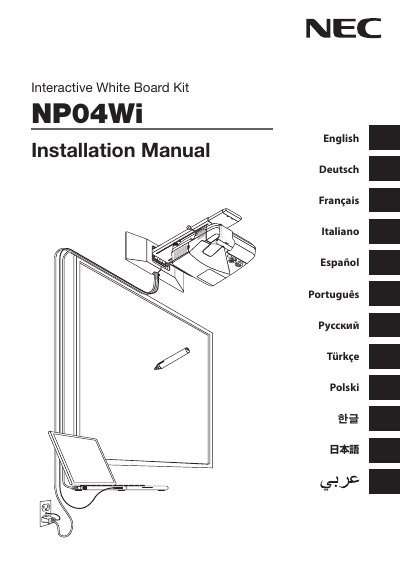
This manual provides installation instructions for the NEC NPO4Wi Interactive White Board Kit. It details the setup procedure, including connecting the camera unit to supported NEC projectors like the UM351W and U321H. Users are instructed to charge the built-in super-capacitor in the supplied stylus pens for 3 minutes before first use.
| Stylus pen super-capacitor charge time | 3 minutes |
|---|---|
| Maximum screen size | 100 inches or less |
| Guaranteed operation temperature range | 5° to 40°C (41° to 104°F) |
| Maximum simultaneous stylus pens | Up to 10 |
The kit supports projectors such as the UM830x, UM280X, UM330W, UM280W, UM351W, UM301W, UM361X, UM301X, and U321H.
No, drawing software is not included; users must obtain commercially available drawing software to use the interactive white board function.