
Edimax BR-6428nS Wireless Broadband Router User Manual

This document introduces Edimax's products
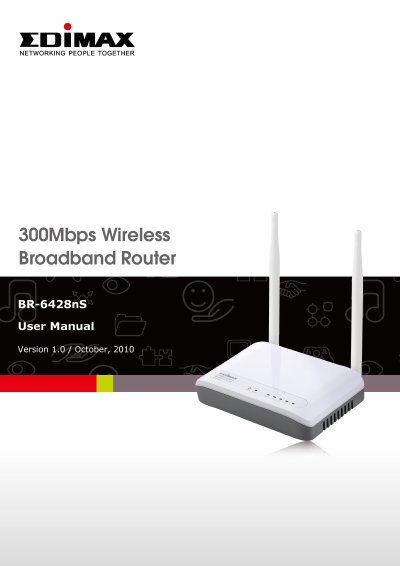

Edimax BR-6428nS Wireless Broadband Router User Manual - cover page
Brand
Edimax
Category
Router
Document type
User Manual
Language
English
Pages
119
File format
PDF
File size
2 MB
Published
17 October, 2023
Updated
17 October, 2023
MD5 checksum
51376FF14E5B5B235E82D1D3E05DBFA3

About this manual

This manual provides instructions for the Edimax BR-6428nS Wireless Broadband Router, an IEEE 802.11b/g/n capable device designed to share high-speed Internet connections. It details the package contents, safety precautions, and how to familiarize users with the router's front and back panel indicators and ports.

What's inside

  • Introduction and Safety Information
  • System and Network Setup
  • General Setup
  • Status & Tools
  • Firmware Upgrade
  • Reset
  • Select Language
  • Active DHCP Client
  • Statistics
  • Configuration Tools

Specifications

Wireless StandardIEEE 802.11b/g/n
Max Wireless Speed300Mbps
LAN Ports4 ports (10/100M)
WAN Port1 port (10/100M)
Max Users253 users
Power Input5VDC

Frequently asked questions

How do I reset the router to factory default settings?

Press the WPS/Reset button and hold it for 20 seconds to clear all settings.

What is the recommended connection type for firmware upgrades?

It is recommended to use a wired Ethernet connection rather than a wireless connection.

Can I use this router outdoors?

No, the router is designed for indoor use only and should not be placed outdoors.

Download PDF (2 MB)

More Edimax Manuals


View all Edimax manuals →