
This document is the user's manual of RigExpert AA-35 ZOOM Antenna and Cable Analyzer. It introduces the usage methods, measurement range and measurement functions of the analyzer.
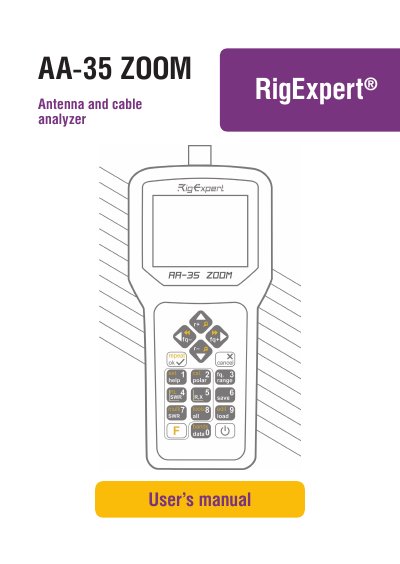
The RigExpert AA-35 ZOOM is an antenna and cable analyzer designed to measure SWR, return loss, and other parameters of cable and antenna systems in the range of 60 kHz to 35 MHz. The device features a built-in ZOOM capability for effective graphical measurements and allows for rapid antenna check-out, tuning, and comparison of characteristics before and after events like rain or hurricanes. It can also measure coaxial stubs and the capacitance or inductance of reactive loads.
| Frequency Range | 60 kHz to 35 MHz |
|---|
The analyzer requires two AA batteries, specifically alkaline or Ni-MH types.
Yes, it can be powered from a spare USB port of a computer using a conventional USB cable.
The system impedance can be set to 25, 50, 75, or 100 Ohm.