
This is a 10.1-inch HDMI LCD display that supports Windows 10/8.1/8/7, Raspbian, Ubuntu, Lubuntu, Angstrom and other systems.
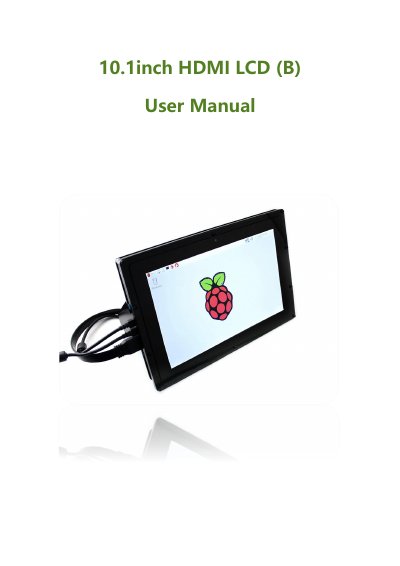
This manual guides users through setting up and using the 10.1-inch HDMI LCD (B) with touch capabilities. It covers hardware connections for PC and Raspberry Pi, OS preparation, screen rotation, and backlight adjustment. The display supports Windows 10/8.1/8/7 and various Linux systems including Raspbian and Ubuntu, with driver-free operation.
The LCD features an IPS screen with 1280×800 resolution, capacitive touch support for up to ten points, and HDMI/USB interfaces. It includes a US plug power adapter and supports multiple devices including Banana Pi and BeagleBone Black with specific OS images.
| Screen Type | IPS |
|---|---|
| Resolution | 1280×800 |
| Touch Type | Capacitive touch, supports up to ten-points touch |
| Supported OS (PC) | Windows 10/8.1/8/7 |
| Supported OS (Raspberry Pi) | Raspbian, Ubuntu, Angstrom, Lubuntu |
| Backlight Adjustment | 5-level adjustment |
Yes, you can rotate the display by appending "display_rotate=1" to the config.txt file, with values 1-3 for 90, 180, and 270 degrees respectively.
You can adjust the backlight brightness manually by touching the virtual button after entering the desktop.