
This manual provides instructions for preparing the Waveshare BB Black expansion board, including image burning, communication environment setup, and…
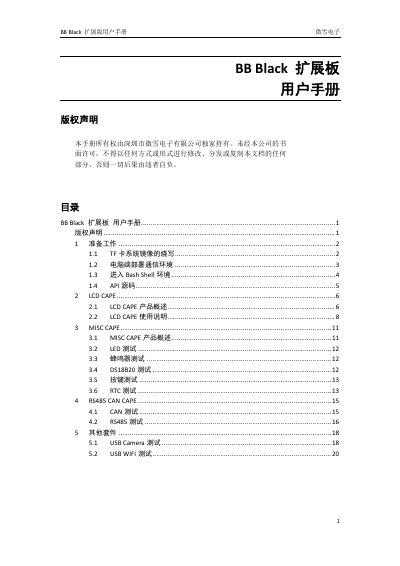
This user manual covers the preparation steps for the Waveshare BB Black expansion board, including burning the Angstrom system image to a TF card and setting up the PC communication environment via USB-to-TTL. It details how to enter the Bash Shell environment and locate the API source code.
The guide provides specific usage instructions for various expansion kits, including the LCD CAPE for 4.3-inch and 7-inch screens, the MISC CAPE for LED and sensor testing, the RS485/CAN CAPE, and USB peripherals like cameras and Wi-Fi modules. This manual is written in Chinese.
The board is designed to connect either a 4.3-inch or a 7-inch resistive screen.
The user must ensure the TF card has a capacity of at least 4GB.
You must set the baud rate to 115200.