
This is a user manual for Reyee RG-R6 Mesh Router. It introduces the function features, usage methods and precautions of the router.
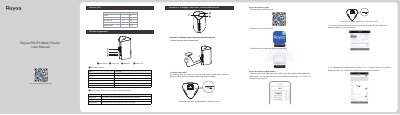
This manual provides instructions for setting up the Reyee RG-R6 Mesh Router, including connecting power and network cables, and configuring the device via the Reyee Router App or a web browser. It details the default SSID format and management address for initial access.
| Product Type | 3200M Wi-Fi 6 Dual-band Mesh Router |
|---|---|
| Power Input | 12V 2.5A |
| Default Management Address | 192.168.110.1 |
| FCC ID | IC: CAN ICES-003 (B)/NMB-003(B) |
The default SSID is '@Reyee-sXXXX', where XXXX is the last 4 digits of the MAC address on the router label.
Power on the router and press the Reset button for more than 3 seconds until the system status indicator blinks.
Yes, you can connect the WAN port (yellow) from a secondary device to the LAN port (black) from the master router for a wired connection.