
This is a user manual for a Spectrex flame detector.
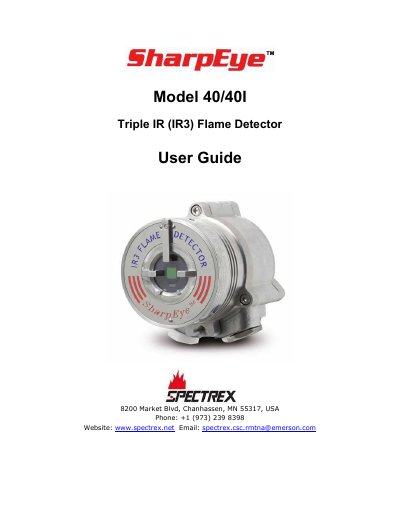
This user guide provides detailed instructions for installing, operating, and maintaining the Spectrex 40/40I Triple IR (IR3) Flame Detector. It includes sections on product overview, installation procedures, operating instructions, maintenance, troubleshooting, and technical specifications. The guide also covers wiring configurations, communication protocols (HART and RS-485), and accessory usage. Warranty information states a five-year material and workmanship warranty, excluding damage from misuse or environmental factors.
| Warranty Period | Five (5) years |
|---|---|
| Detection Principle | Hydrocarbon Fire Detection |
SPECTREX provides a five-year warranty against defects in materials and workmanship, excluding damage from misuse, improper installation, or environmental factors.
SPECTREX warrants the products are free from defects in materials and workmanship for a period of five years, commencing with the date of delivery.
The specific tools required for installation are listed in Table 14 of the manual.
Testing can be performed using the Flame Simulator Model FS-1100, and the results are documented in Table 19.