
Drivven company produces a NOx sensor module manual, including 1-Ch. or 2 Ch. system, two signals output: NOx concentration (ppm) and O2 concentration (%)
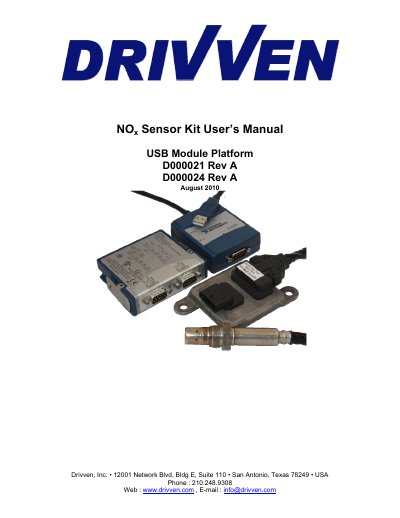
This manual provides instructions for using the Drivven NOx Sensor Module Kit, including hardware setup, powering requirements, sensor specifications, and software compatibility. It supports one or two NOx and O2 sensors with a USB-based platform and includes a stand-alone executable for Windows PCs without a LabVIEW license. The kit includes a sensor controller module, wiring harness, and USB-8473 module, with detailed wiring and installation guidelines. Activation via email is required for full functionality.
| Output Type | NOx: 0 – 3000 ppm, O2: -12 – 21 [%] |
|---|---|
| Supply Voltage | 12V to 16V |
| Operating Temperature Range | -40°C to 105°C |
| Sensor Lifespan | 2000 hours or 120K miles |
| Connector Type | Hirschmann MLK 872-860-501 |
It supports the Continental Uninox Smart NOx Sensor with part number 5WK96622A. Other OEM sensors may not be compatible due to proprietary protocols.
The sensor controller requires 12V to 16V, with a continuous current of 0.6A and peak current of 12A. Maximum power is 20W.
LabVIEW 8.6 or higher with NI-CAN 2.6.3 is required for development. A standalone executable is available for Windows PCs without a LabVIEW license.
Email the serial number of the USB-8473 to [email protected] with your details. An activation key will be sent after 1-3 business days.