
Installation, Operation, and Service Information of Delta P Control
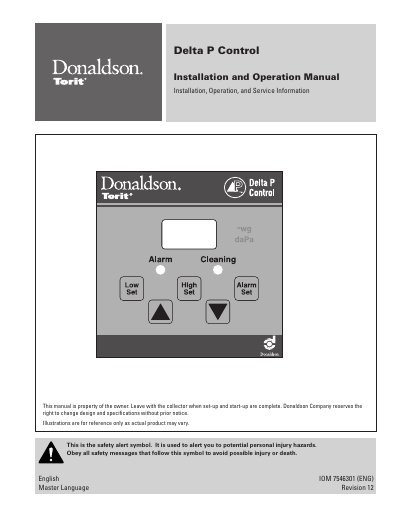
The Donaldson Delta P Control monitors the differential pressure between clean and dirty air plenums in dust collection systems. It provides a visual display of filter condition and controls the cleaning mechanism by turning it on and off based on set high and low pressure limits. When combined with a pulse timer, it maintains the pressure drop within a narrow range to optimize filter performance.
The Delta P Control monitors the differential pressure between the clean and dirty air plenums and provides a visual display in inches water gauge or metric units.
The cleaning cycle is triggered when the pressure drop across the filters reaches the control's HIGH setpoint, and it stops when the pressure drop decreases to the LOW setpoint.
The Alarm setpoint activates a relay output to indicate situations where the cleaning system cannot reduce the pressure drop, such as system failure or end of filter life.