
DataMan 370 Series Reference Manual
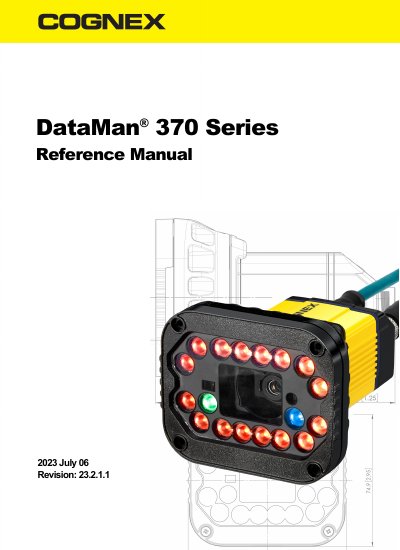
This manual covers the setup, operation, and maintenance of Cognex DataMan 370 Series readers. It includes instructions for installing lenses and lighting accessories, configuring the reader, and troubleshooting. The document also references supporting documentation for advanced integration and programming.
The DataMan 370 Series features high-performance 1D and 2D reading with tri-core processing, modular lighting, and IP67-rated housing. It supports Ethernet, RS-232, and discrete I/O for factory automation integration.
| Imaging | Best in Class Imaging |
|---|---|
| Processing | Tri-core processing power |
| Housing Rating | IP67-rated |
| Connectivity | Ethernet, RS-232, discrete I/O |
Superior read performance with advanced 1D and 2D algorithms with tri-core processing power, Best in Class Imaging, Modular Lighting / Lensing with High Dynamic Range (HDR), Faster Setup to Installation Experience, Optimized Ease of Use.
Lens options including fixed aperture lenses (8mm, 12mm, 16mm, 25mm, 35mm, 40mm, 50mm) and liquid lens modules (e.g., DMLN-10LL-SMT, DMLN-C24F06-LL-IR).
The DataMan 370 Series is packaged in a rugged, IP67-rated housing.