
This manual covers the setup and configuration of the Apollo III motion controller connected to the control using Mach3.
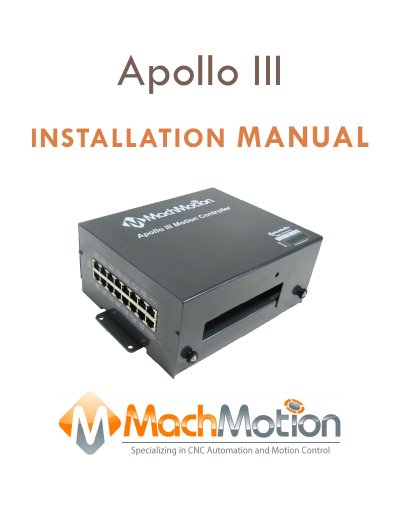
This guide explains how to install and configure the Apollo III motion controller with Mach3. It covers hardware startup, axis setup, spindle configuration, limits and homing, input and output setup, and advanced options. The document includes wiring diagrams, configuration steps, and troubleshooting notes. It also contains warranty information and links to additional resources.
The Apollo III is designed for CNC automation and motion control applications. It requires 24VDC power and connects via RJ45 ports for drive and encoder cables. The guide assumes the user has a Mach3 control system and provides step-by-step instructions for enabling axes, calibrating, and configuring inputs and outputs.
You must supply 24VDC to the power connection.
Clear the [Reset] button so it is not flashing.
Loosen the four black knobs on the sides.
The Apollo III connects to the control using Mach3.