
APOLLO E2 Mid Tower Case Installation Guide, introduces the size, specifications, cooling, hard drive installation and other information of the case.
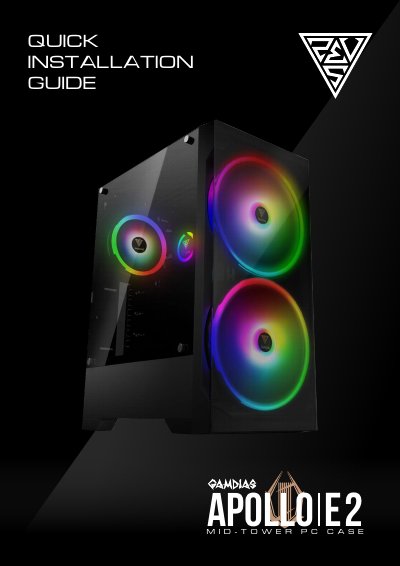
This document is a quick installation guide for the APOLLO E2 mid-tower PC case. It provides step-by-step instructions for installing the side panel, motherboard, power supply unit (PSU), and hard drives (3.5" and 2.5").
The guide also details the case's specifications, including dimensions and material, and lists compatibility for air cooling fans and radiators at various locations (top, front, rear, bottom). It includes exploded views of parts and diagrams for I/O ports and connectors.
| Case Type | Mid Tower |
|---|---|
| CPU cooler height limitation | 170mm |
| VGA length limitation | 300mm |
| PSU length limitation | 150mm |
Press and hold the Fan LED Control button for 3 seconds.
The case features 1x USB 3.0, 2x USB 2.0, 1x HD Audio, and 1x Fan LED Control.