
Hex ezCAN can connect to the motorcycle's instrument panel via the CAN bus, and can be configured and controlled by the phone APP or computer software to connect to the device
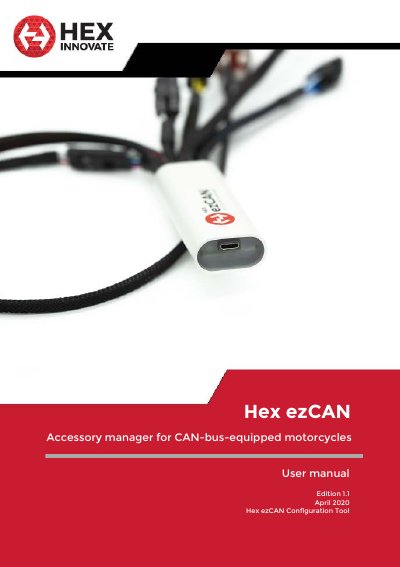
The Hex ezCAN is an accessory manager designed for CAN-bus-equipped motorcycles, ATVs, and other vehicles. It connects directly to the battery to bypass electrical power restrictions, monitoring CAN-bus data such as engine speed, vehicle speed, and brake status to control up to four configurable power outputs. These outputs can power various 12-volt accessories, including auxiliary lights, horns, and heated gear, with a maximum current draw of 25 Amps per circuit.
| Maximum current draw per circuit | 25 Amps |
|---|---|
| Number of power outputs | four |
| System voltage | 12 volts |
| Inline fuse rating | 30 Amps |
It is compatible with CAN-bus-equipped motorcycles, ATVs, and other vehicles.
Cycle the ignition by switching the motorcycle's ignition switch OFF, then switch it back ON.