
This manual describes the features and operation of the RPMSP&CSP70 Dual UHP series projectors.
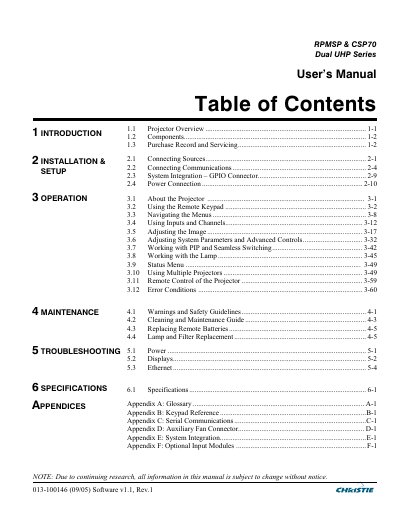
This manual provides detailed instructions for installing, operating, maintaining, and troubleshooting the Christie RPMSP & CSP70-D100U dual UHP projectors. It covers connecting various video sources, adjusting image settings, replacing lamps and filters, and using remote controls. The projectors feature SXGA+ resolution, 6-axis adjustment for rear screen alignment, and support for multiple input types including RGB, YPbPr, DVI, and S-video. Maintenance procedures and safety guidelines are also included.
| Contrast Ratio | 1100:1 |
|---|---|
| Color Depth | 24-bit RGB |
| Lamp Operation Modes | Dual lamp or Single lamp |
| Lens Options | Low distortion lens (0.7:1 or 1.16:1) |
Use the DVI-I connector for digital signals or VGA for analog signals, connecting to INPUT 2.
The native resolution is SXGA+ (1400 x 1050).
The contrast ratio is 1100:1.
The two serial ports are RS-232 and RS-422.