
This document is a user guide for Smart Label Printers® Series, including installation, use and maintenance.
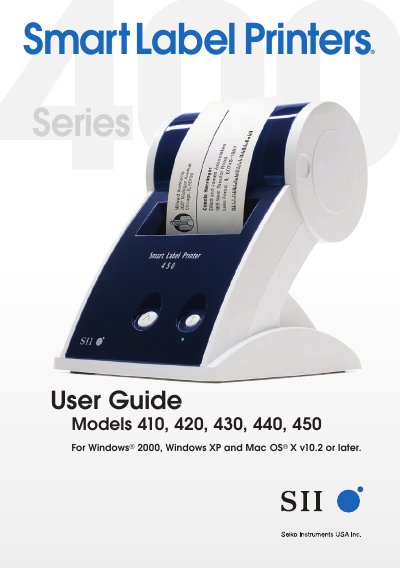
This user guide provides instructions for the Seiko Instruments Smart Label Printers Series, specifically models 410, 420, 430, 440, and 450. It covers the setup process, including unpacking, connecting the printer to a computer via USB or RS232C, and installing the accompanying Smart Label software. The guide also details how to load and change label rolls, adjust label positions, and perform basic printer care.
| Operating System | Windows 2000, Windows XP, Mac OS X v10.2 or later |
|---|---|
| CPU Requirement (PC) | 233MHz or higher Pentium-compatible CPU |
| RAM Requirement (PC) | Minimum 64MB RAM, 128MB recommended |
| Hard Disk Space (PC) | 16MB |
| Interface | RS232C serial port or USB port |
| RAM Requirement (Mac) | Minimum 128MB RAM, 256MB recommended |
| Hard Disk Space (Mac) | 30MB |
| Temperature Range | 59 to 95°F (15 to 35°C) |
| Humidity Range | 30% RH to 80% RH (non-condensing) |
Store labels in a cool, dry place.
Other brands may not work with your printer or may damage it and void your warranty.