
This manual provides detailed instructions on how to operate the LC-XM2 multimedia projector. The manual includes operating instructions, safety instructions, and troubleshooting guidelines.
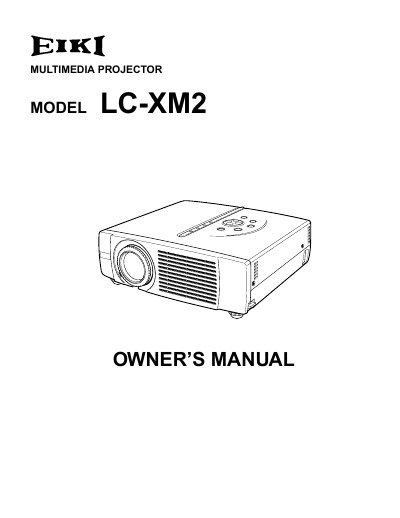
This manual provides safety precautions and setup instructions for the EIKI LC-XM2 multimedia projector. It details how to connect power and video sources, adjust focus and keystone, and operate the on-screen menu. Maintenance sections cover cleaning the lens, replacing the lamp, and air filter care. Safety warnings include avoiding moisture, ensuring ventilation, and not opening the unit.
The manual also includes technical specifications, troubleshooting tips, and compatibility information for computers and video systems, with guidance on adjusting image settings and using the remote control.
You must maintain a minimum distance of 20cm on the side and top, and 50cm on the rear.
You should use a damp cloth to clean the projector.
You should unplug the projector from the power outlet.