
This document is the instruction manual of FLOW A3 air purifier
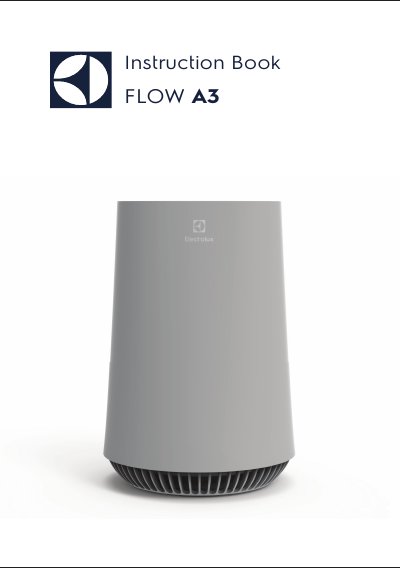
This manual provides safety guidelines and step-by-step instructions for setting up and operating the Electrolux FLOW A3 air purifier. It covers filter installation, fan speed control, air quality indicators, and troubleshooting common issues. Safety precautions are emphasized, including avoiding water contact, not using extension cords, and keeping children away. The manual also includes disposal instructions for recycling the unit properly.
The device features an auto mode that adjusts fan speed based on PM2.5 levels and a sleep mode for quiet operation. The air quality indicator uses color-coded lights to show real-time air quality, and a filter change indicator alerts users when replacement is needed. Cleaning instructions advise using a damp cloth or vacuum with a soft brush, avoiding harsh cleaners or water near controls.
| Air Quality Indicator | Shows real-time air quality via color-coded lights (Blue, Green, Orange, Red) |
|---|---|
| Filter Change Indicator | Flickers red when filter needs replacement; stops flickering and stays red when immediate replacement is required |
| Operating Modes | Auto mode adjusts fan speed based on PM2.5 levels; Sleep mode operates at low noise with indicators off except Sleep icon |
No, the multi-layer filter cannot be washed and must be replaced. The pre-filter can be wiped.
It shows real-time air quality using color-coded lights: Blue (0-15 μg/m³), Green (16-35 μg/m³), Orange (36-75 μg/m³), Red (>75 μg/m³).
Press the mode button for 3 seconds to reset the indicator and turn off the red light.