
Hitachi CP-WU5500/CP-WX5500/CP-X5550 Series LCD Projector User's Manual

This is a user manual for CP-WU5500/CP-WX5500/CP-X5550 CP-WU5505/CP-WX5505/CP-X5555 projector.
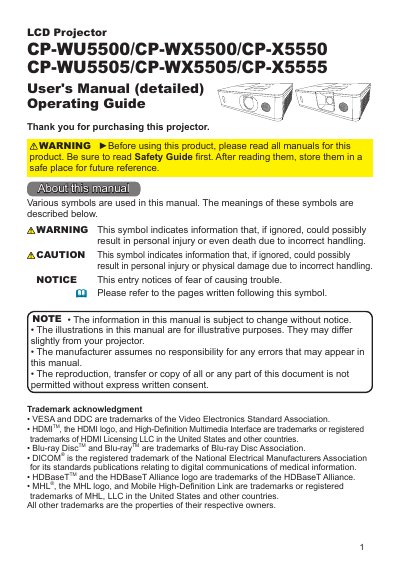

Hitachi CP-WU5500/CP-WX5500/CP-X5550 Series LCD Projector User's Manual - cover page
Brand
Hitachi
Category
Projector
Document type
User Manual
Language
English
Pages
124
File format
PDF
File size
9.4 MB
Published
17 October, 2023
Updated
17 October, 2023
MD5 checksum
03EC1EF641FB88955BE0B2AC898DC35C

About this manual

This document serves as the detailed User's Manual and Operating Guide for Hitachi LCD projectors, specifically the CP-WU5500, CP-WX5500, CP-X5550, and their '05 variants. It covers essential topics including package contents, part names, and initial setup procedures such as arrangement, connecting devices, and fastening cables. The guide also details how to use the remote control, power on/off functions, and various operating features like volume adjustment, input selection, and image correction.

What's inside

  • Introduction
  • Features
  • Checking the contents of package
  • Part names
  • Setting up
  • Using the remote control
  • Operating
  • Using the menu function
  • Maintenance
  • Troubleshooting

Frequently asked questions

What is the minimum clearance required between the projector's exhaust vents and walls?

You must secure a clearance of 50cm or greater between the exhaust vents and walls.

What is the minimum clearance required between the projector's intake vents and walls?

You must secure a clearance of 30cm or greater between the intake vents and walls.

What is the power rating of the built-in speaker?

The projector includes a built-in 16W speaker.

Download PDF (9.4 MB)

More Hitachi Manuals


View all Hitachi manuals →