
C5-IPC Network Switcher is an indispensable part of the C5 system. It is used to connect the devices such as monitor, door station in one block to the IP network.
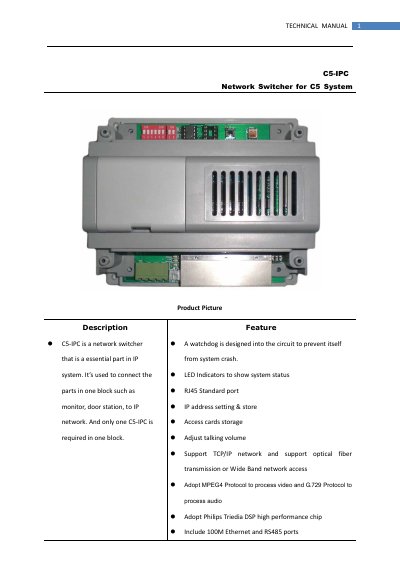
The C5-IPC is a network switcher designed as an essential part of the C5 System. It connects components such as monitors and door stations within one block to an IP network. The device features a watchdog circuit, LED status indicators, RJ45 standard ports, and supports TCP/IP networks with optical fiber or wideband access. It utilizes MPEG4 for video processing and G.729 for audio, powered by a Philips Triedia DSP chip.
| Working Voltage | DC 18V |
|---|---|
| Working Current | 300mA (When IP8210 connected) |
| Video Signal | CCIR, 1Vp-p , 75Ω |
| Audio Signal | 300~3,400 KHz, 0~240 mV, 120Ω |
| Port | RJ45 |
Press and hold the PA button for 3 seconds to initialize the device.
The IP address is fixed to 192.168.0.xxx, where xxx ranges from 2 to 254.