
Key facts
- Manuals
- 1
- Languages
- EN
- Last added
- 2023-10-17
Featured C5 manuals
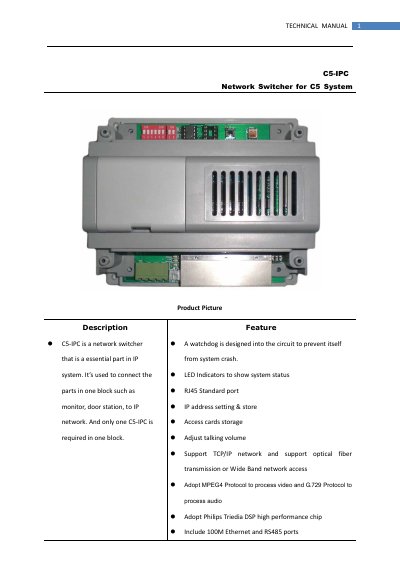
C5-IPC Network Switcher User Manual
The C5-IPC is a network switcher designed as an essential part of the C5 System. It connects components such as monitors and door stations within one block to an IP network. The device features a watchdog circuit, LED status indicators, RJ45 standard ports, and supports TCP/IP networks with optical fiber or wideband access. It utilizes MPEG4 for video processing and G.729 for audio, powered by a Philips Triedia DSP chip.
Covers: Description · Feature · Ports and function · Installation · Parameter Setting · DIP Switch Setting
Latest C5 manuals
C5-IPC Network Switcher User Manual
User Manual 16 pages · 674 KB · ENThis manual provides installation, parameter setting, and technical specifications for the C5-IPC network switcher used in IP intercom systems.
Which document do I need?
User Manual
Day-to-day operation, settings and troubleshooting. Start here if the product is already set up.
Questions answered in C5 manuals
How do I initialize the C5-IPC?
Press and hold the PA button for 3 seconds to initialize the device.
What is the default IP address range for C5-IPC?
The IP address is fixed to 192.168.0.xxx, where xxx ranges from 2 to 254.