
This document is a step-by-step guide on how to change company name via CIPC e-Services in South Africa. It includes instructions on how to register a customer code, credit your account, reserve a company name, and finally, submit the name change request online.
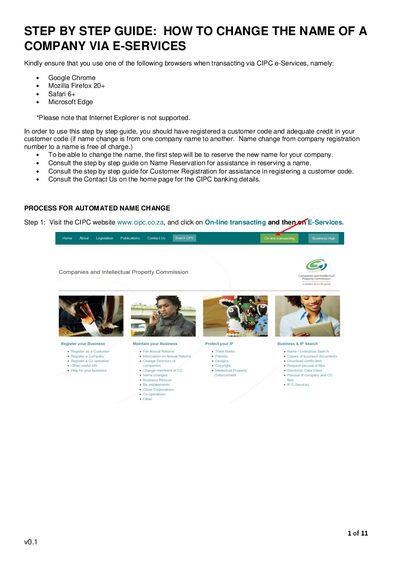
This document provides instructions on how to change a company's registered name using the Companies and Intellectual Property Commission (CIPC) e-Services platform. It outlines specific system requirements, such as supported web browsers and the necessity of having an active customer code with adequate credit funds.
The guide details the 15-step automated process for submitting a name change application. This includes validating the company registration number, entering the approved name reservation reference (COR9.4), confirming shareholder special resolutions, verifying One Time Pins (OTP) from all directors, and receiving the final confirmation certificate.
The guide requires the use of Google Chrome, Mozilla Firefox 20+, Safari 6+, or Microsoft Edge, and explicitly states that Internet Explorer is not supported.
A charge applies for changing a name from one company name to another, whereas a change from a registration number to a name is free of charge.
You must enter the reference number of an approved and valid name reservation, which is identified as COR9.4.