
This file is a cloud WiFi camera manual, mainly introducing how to download APP, how to register an account, how to add a camera and other content
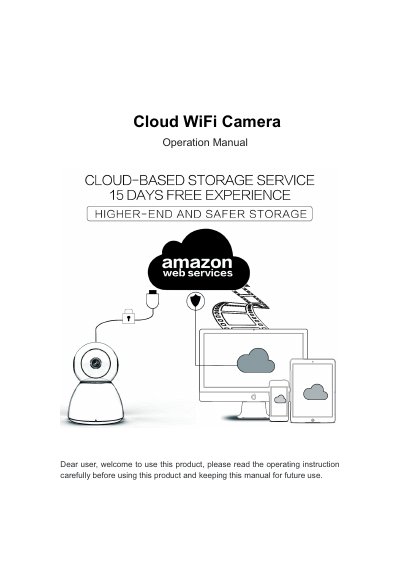
The document serves as an operation guide for the Cloud WiFi Camera, detailing how to download the "Eyeplus" application from app stores and register a user account via email. It explains the process of adding the camera to a local network, noting specific requirements such as using a 2.4GHz Wi-Fi router and enabling GPS services on Android devices during initial setup.
| Wi-Fi Frequency Support | 2.4GHZ format WIFI |
|---|---|
| Cloud Storage Duration (Free) | 15-day-long |
| TF Card Memory Space | 8-64G |
The product only supports 2.4GHZ format WIFI.
We offer a 15-day-long cloud service for free before requiring payment.