
This product is a weather station with a remote sensor, which can display indoor and outdoor temperature, humidity, air pressure and other information, and has sunrise and sunset, moonrise and moonset forecast functions
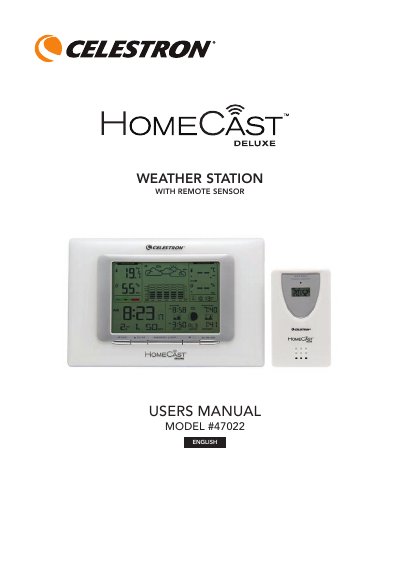
The document provides a user guide for the Weather Station Model #47022 equipped with a wireless remote sensor. It details the device's LCD display functions, such as weather forecasting, barometric pressure trends, and sunrise/sunset times. The manual explains how to set up the main unit and the outdoor thermal sensor using batteries.
| Indoor Temperature Range | 0 ~ 50°C [+32 ~ +122°F] |
|---|---|
| Outdoor Temperature Range | -20 ~ 50°C [-4 ~ +122°F] |
| Humidity Range | 20 ~ 99% |
| Transmission Frequency | 433MHz RF |
| Transmission Range | 30 Meter [98 feet] |
| Main Unit Battery Requirement | 3 x AA batteries |
| Sensor Battery Requirement | 2 x AAA batteries |
Use a pin to press the reset button (B12) on the rear of the main unit.
The station supports up to 3 wireless outdoor thermo sensors.
Press the °C /°F button (B8) to switch between Celsius and Fahrenheit.