
ComNav TS4/NF4 Remote Installation and Operation Manual

This document is the user manual of TS4/NF4 remote.
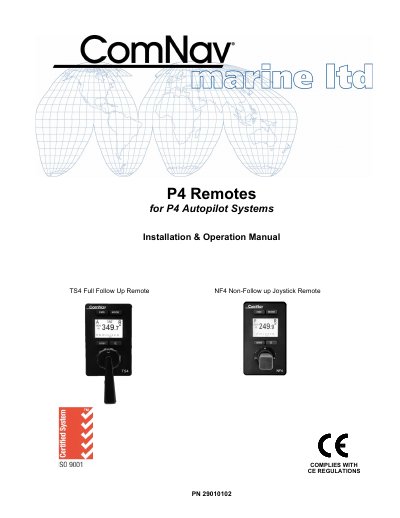

ComNav TS4/NF4 Remote Installation and Operation Manual - cover page
Brand
ComNav
Document type
User Manual
Language
English
Pages
39
File format
PDF
File size
530 KB
Published
16 October, 2023
Updated
16 October, 2023
MD5 checksum
25D03D7D5A89B6D093138D2214E891F6

About this manual

This manual covers the installation, configuration, and operation of the ComNav TS4 and NF4 Remote controllers designed for use with P Series Autopilot Systems. The TS4 model features a backlit graphical LCD display supporting day-night modes, while both models allow control from various locations on a vessel via NMEA 2000 connections.

What's inside

  • Overview of the TS4 Remote
  • Installation Technical Requirements
  • Electrical Connections
  • Network Connection in a P4 System
  • User Interface Display Controls
  • BRIGHTNESS DAY & NIGHT MODE
  • Taking Command Modes of Operation
  • STANDBY TILLER AUTO NAV Mode
  • Operating Menu Off Mode or Sleep Mode
  • Care Maintenance Specifications

Specifications

Voltage Range12-24V Battery
Connection TypeNMEA 2000

Frequently asked questions

What are the operating modes available on the remote?

The selection of STANDBY, AUTO, and NAV modes is done using the Mode button. It also supports WORK mode when in AUTO mode.

What type of display does the TS4 Remote have?

It features a backlit graphical LCD display that shows important system information.

Download PDF (530 KB)