
Key facts
- Manuals
- 1
- Languages
- EN
- Last added
- 2023-10-16
Featured ComNav manuals
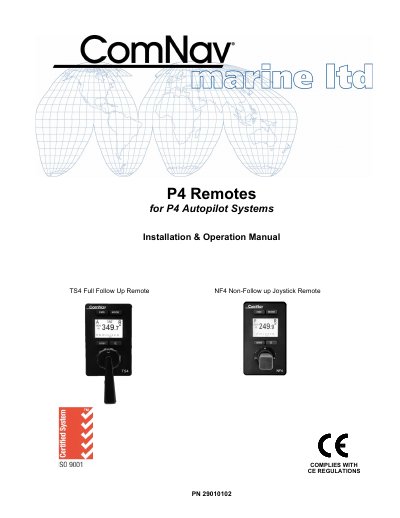
ComNav TS4/NF4 Remote Installation and Operation Manual
This manual covers the installation, configuration, and operation of the ComNav TS4 and NF4 Remote controllers designed for use with P Series Autopilot Systems. The TS4 model features a backlit graphical LCD display supporting day-night modes, while both models allow control from various locations on a vessel via NMEA 2000 connections.
Covers: Overview of the TS4 Remote · Installation Technical Requirements · Electrical Connections · Network Connection in a P4 System · User Interface Display Controls · BRIGHTNESS DAY & NIGHT MODE
Latest ComNav manuals
ComNav TS4/NF4 Remote Installation and Operation Manual
User Manual 39 pages · 530 KB · ENInstallation and operation guide for ComNav Marine TS4 Full Follow Up and NF4 Non-Follow up Joystick Remotes compatible with P4 Autopilot Systems.
Which document do I need?
User Manual
Day-to-day operation, settings and troubleshooting. Start here if the product is already set up.
Questions answered in ComNav manuals
What are the operating modes available on the remote?
The selection of STANDBY, AUTO, and NAV modes is done using the Mode button. It also supports WORK mode when in AUTO mode.
From: ComNav TS4/NF4 Remote Installation and Operation Manual
What type of display does the TS4 Remote have?
It features a backlit graphical LCD display that shows important system information.
From: ComNav TS4/NF4 Remote Installation and Operation Manual