
This document is the user manual of an air purifier, which introduces the product's use method, installation method, and product features
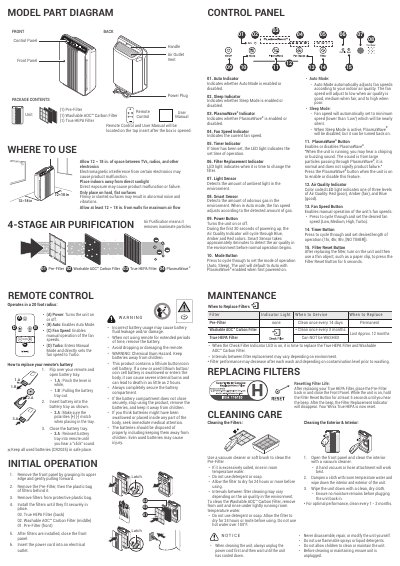
The document serves as a user guide for the Winix True HEPA air purifier. It details the initial setup process, including removing the front panel to install the Pre-Filter, Washable AOC Carbon Filter, and True HEPA Filter. The manual also explains how to use the control panel features such as Auto Mode, Sleep Mode, PlasmaWave technology, and various fan speeds.
| Filter Types Included | Pre-Filter, Washable AOC Carbon Filter, True HEPA Filter |
|---|---|
| PlasmaWave Technology | Enabled by default on startup |
It should be cleaned once every 14 days.
Replace when the Check Filter Indicator LED is on, which happens approximately every 12 months.
Hold the Filter Reset Button for at least 5 seconds until you hear a beep.