
How to use the Toshiba DVR620 converter to convert home VHS tapes to DVD format, note that this function is only available for unencrypted VHS tapes
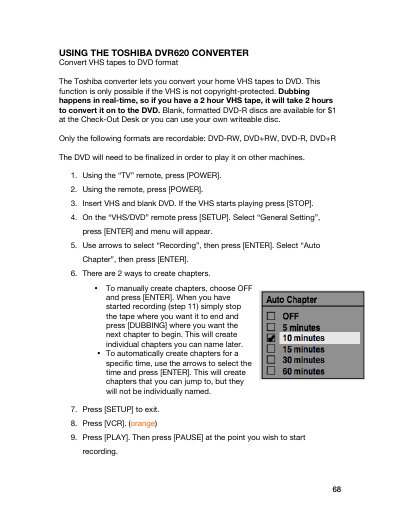
The Toshiba DVR620 Converter allows users to convert home VHS tapes to DVD format in real-time. The device supports recording to blank, formatted DVD-R discs in DVD-RW, DVD+RW, DVD-R, and DVD+R formats. The process requires a VHS remote and a VHS/DVD remote to control the device.
| Recordable Formats | DVD-RW, DVD+RW, DVD-R, DVD+R |
|---|---|
| Recording Time XP | 1 hour |
| Recording Time SP | 2 hours |
| Recording Time LP | 4 hours |
| Recording Time EP | 6 hours |
Dubbing happens in real-time, so a 2 hour VHS tape will take 2 hours to convert.
Yes, you can skip over parts by pressing VCR, PLAY, then FAST FORWARD to where you want to begin recording again.
Yes, the DVD needs to be finalized in order to play it on other machines.