
This Quick Reference Guide covers the basic functions of the Toshiba DP 5000 series telephone, including making calls, answering calls, hanging up calls, holding calls, muting calls, paging, transferring calls, parking calls, adjusting volume, speed dialing, conference calls, caller ID, using voicemail and call forwarding.
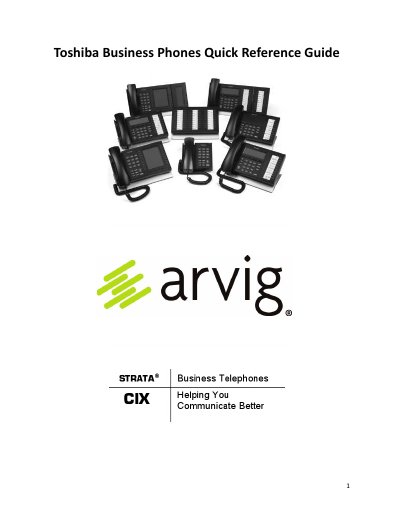
This document serves as a quick reference guide for the Toshiba DP 5000 Series Business Telephone. It provides step-by-step instructions on using key phone functions such as making and answering calls, placing calls on hold or mute, and utilizing speakerphone capabilities. The guide also details how to adjust volume settings for handsets and speakers.
While on a call, press the 'Hold' button twice to place it on Exclusive Hold.
With an idle phone and handset on-hook, press and hold the 'Vol' key until the desired volume is reached.
The default security code is your extension number followed by 997.