
This manual introduces the use and warranty restrictions of the TOSHIBA 1600XPi series.
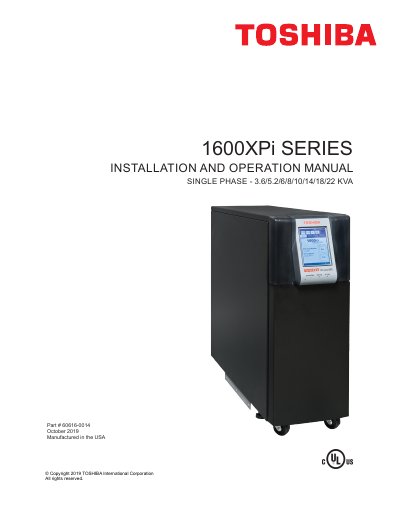
This document serves as the official installation and operation guide for the Toshiba 1600XPi Series UPS, designed for general electronics applications including computers, office equipment, and industrial robotics. It provides comprehensive instructions on safety precautions, inspection procedures, and proper disposal methods before beginning setup.
The manual details the complete lifecycle of the unit, from initial startup and battery parameter settings to normal operation modes such as On-Line, Static-Bypass, and Battery Backup. It includes specific guidance for connecting terminal blocks, managing external battery cabinets, configuring communication interfaces like RS-232C and LAN shutdown signals, and performing preventive maintenance or part replacements.
| Product Type | Uninterruptible Power System (UPS) |
|---|---|
| Phase Configuration | Single Phase |
| Power Ratings | 3.6, 5.2, 6, 8, 10, 14, 18, and 22 KVA |
| Input Frequency Range (On-Line) | 45 – 65 Hz |
Only qualified persons are authorized to install, operate, or service the equipment according to applicable codes and safety practices.
The battery is not within specifications and Toshiba service must be called immediately.
The battery level has dropped low (about 90% or less); immediately shut down load equipment in an orderly fashion and press the STOP key.