
This instruction provides information on how to install the CU-950.
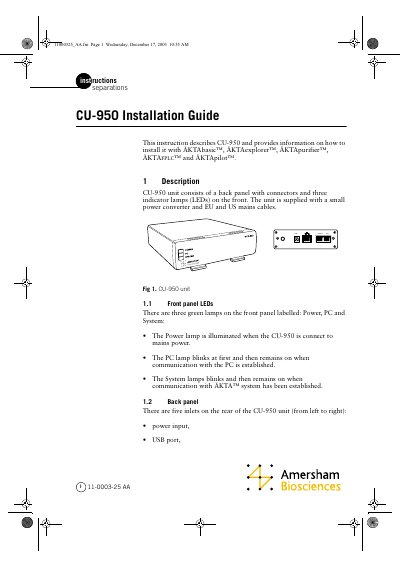
The CU-950 unit consists of a back panel with connectors and three indicator lamps (Power, PC, and System) on the front. It is supplied with a power converter and mains cables for EU and US regions. The unit is designed to be hung on the side of the AKTA system, specifically on the UV-900 or UPC-900 depending on the system type.
Installation involves connecting the UniNet-1 data communication cable between the CU-950 and the specific pump (P-900 or P-920) or controller within the AKTA system. If a fraction collector is used, it must be connected via a UniNet-1 cable to the pump or controller, and then a 1.5 m UniNet-1 cable connects the fraction collector to the CU-950. Finally, a USB cable connects the CU-950 to the computer.
The instruction describes how to install the CU-950 with AKTAbasic, AKTAexplorer, AKTApurifier, AKTAFPLC, and AKTApilot.
A 1.5 m UniNet-1 cable connects the fraction collector to the CU-950.
The PC lamp blinks at first before remaining on once communication with the PC is established.