
Full HD USB Camera - C2D User Manual introduces the model, resolution, compression format, connection port, weight and other information of the camera.
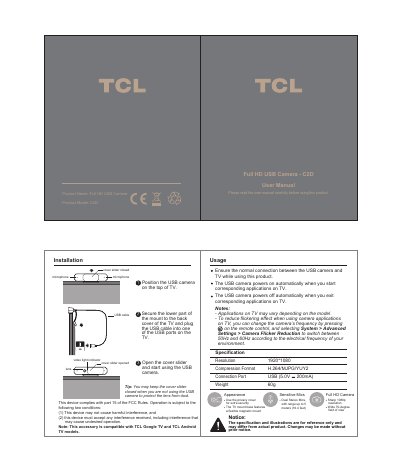
This document provides installation and usage instructions for the TCL C2D Full HD USB camera. It explains how to position the camera on a TV, secure the mount, and connect the USB cable. The manual also covers automatic power on/off features and how to adjust camera settings to reduce flickering effects.
| Resolution | 1920*1080 |
|---|---|
| Compression Format | H.264/MJPG/YUY2 |
| Connection Port | USB (5.0V = 200mA) |
| Weight | 60g |
This accessory is compatible with TCL Google TV and TCL Android TY models.
You can change the camera's frequency by pressing & on the remote control and selecting System > Advanced Settings > Camera Flicker Reduction to switch between 50Hz and 60Hz.