
Form 3+ Installation and Usage Instructions
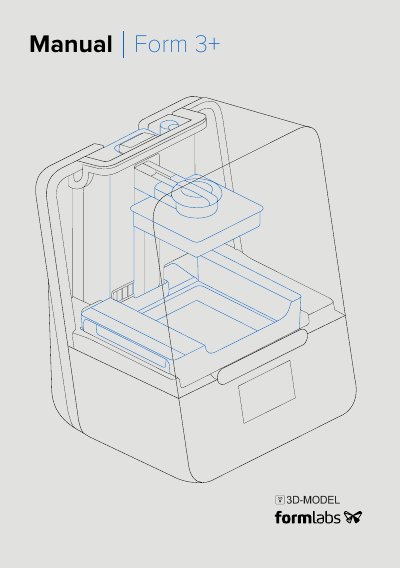
This manual provides comprehensive instructions for skilled persons regarding the safety, setup, operation, and maintenance of the Form 3+ 3D printer. It covers essential topics from unboxing and installation to daily printing operations and emergency procedures.
The document details the operational environment requirements, step-by-step printing workflows including finishing processes, and specific maintenance schedules ranging between prints to periodic tasks. It also includes troubleshooting guides for failed prints and repair disassembly instructions.
The Form 3+ is a Low Force Stereolithography (LFS) 3D Printer.
Include the serial name when contacting Formlabs for product support, as it is a unique identifier to track manufacturing and repair history.