
This is an operation manual, which guides how to edit PLU data, including PLU number, commodity name, commodity code, unit price, shelf life, etc.
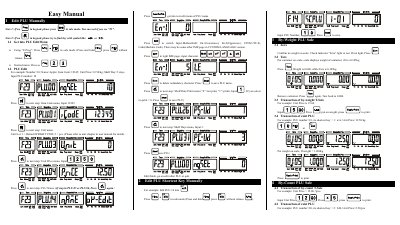
This document provides step-by-step instructions for entering the PLU edit menu to modify product details such as item code, unit price, name, and shelf life. It covers input methods for text editing and saving configurations.
Using 'F-Prog': Press + in sale mode (Press and hold , press without release ).
Press to get into text edit menu, select an Input-Method-Edit (En-1, En-2, UTF8, Code), input character, press to delete redundancy character, and press to save.
Press , input password (Default is ), press , input , and wait for a few seconds.