
Key facts
- Manuals
- 1
- Languages
- EN
- Last added
- 2023-10-16
Featured Easy Manual manuals
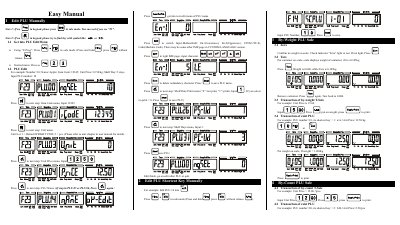
Easy Manual POS System PLU Edit Instructions
This document provides step-by-step instructions for entering the PLU edit menu to modify product details such as item code, unit price, name, and shelf life. It covers input methods for text editing and saving configurations.
Covers: Edit PLU Manually · PLU Edit Menu Steps · Edit PLU Shortcut Key · By-Weight PLU Sale · By-Count PLU Sale · Change Price Temporary
Latest Easy Manual manuals
Easy Manual POS System PLU Edit Instructions
User Manual 2 pages · 986 KB · ENInstructions for manually editing Product Look-Up (PLU) data, setting shortcut keys, and managing sales transactions on an Easy Manual POS system.
Which document do I need?
User Manual
Day-to-day operation, settings and troubleshooting. Start here if the product is already set up.
Questions answered in Easy Manual manuals
How do I enter the PLU Edit Menu?
Using 'F-Prog': Press + in sale mode (Press and hold , press without release ).
How do I edit the PLU name?
Press to get into text edit menu, select an Input-Method-Edit (En-1, En-2, UTF8, Code), input character, press to delete redundancy character, and press to save.