
Goldwind SMS service installation manual, including installation steps, precautions and contact information
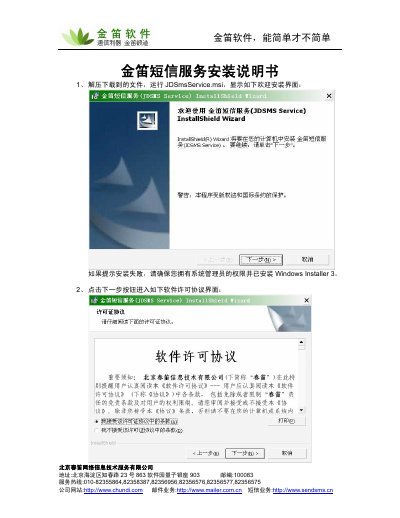
The document is an installation manual for the Chundi SMS Service (金笛短信服务) developed by Beijing Chun Di Network Information Technology Service Co., Ltd. It details the process of running the installer file JDSmsService.msi, accepting the software license agreement, and configuring the installation path.
Upon successful completion, the guide explains that a 'Chundi SMS' group is created in the Start Menu containing shortcuts for service configuration, device testing, help files, and product descriptions. A desktop shortcut and a system service named JDSMS Service are also added. This manual is written in Chinese.
If authorization registration has not been performed, each connection can only send 88 messages, and random product promotional phrases may be added to sent messages.
Ensure you have system administrator permissions and that Windows Installer 3 is installed.