
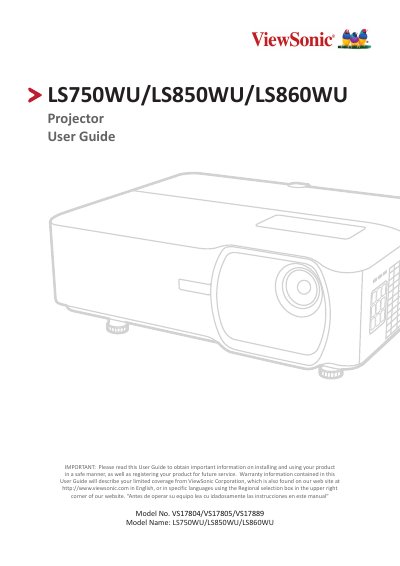
This document is the user manual of ViewSonic LS750WU/LS850WU/LS860WU projector, which introduces the product features and usage methods.
This manual covers safety precautions, including general guidelines such as ventilation requirements and laser warnings, as well as specific instructions for ceiling mounting. It details the package contents and provides an overview of the projector's features and controls.
The guide explains how to set up the projector, choose a location, and connect power. It includes sections on using the remote control, setting passwords to prevent unauthorized use, and connecting various input devices.
Allow at least 20 inches (50 cm) clearance around the projector to ensure proper ventilation.
Do not use if the projector is tilted more than 10 degrees left or right, nor more than 15 degrees forwards or backwards.
Allow the projector to cool for approximately 45 minutes prior to removing the light source assembly.