
This document is the user manual of ViewSonic VB-VIS-002 Document Cam, which mainly introduces the functions and usage of the product
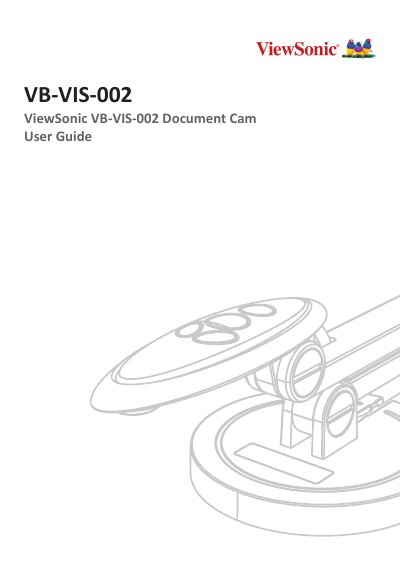
The ViewSonic VB-VIS-002 is a document camera designed to capture images of documents, objects, or microscopic specimens. The device features an LED illumination system with adjustable brightness and focus controls, allowing users to optimize image quality in various lighting conditions. It includes built-in audio capabilities via a microphone and supports multiple resolution settings for live streaming.
| Optical System Working Surface | 400mm x 300mm |
|---|---|
| Zoom | 8X digital zoom ( software ) |
| Focus Range | 10cm~200cm |
| Sensor Type | 1/3.2'', CMOS (Sony IMX179) |
| Lens Construction | 5 plastic |
| Focal Length | 3.519mm |
| View Angle | 77° ±3°(Viewable Diagonal) |
| USB Connection Type | USB 2.0x1 (TypeA) |
| Power Consumption | ≦2W (≦400mA) |
Change the image orientation by simultaneously pressing both the brightness(+) and the brightness(-) buttons.
The microscope adapter accessories are applicable to Ø28mm, Ø31mm, Ø33mm, and Ø34mm eyepieces.