
The user guide provides detailed instructions on how to safely use the ViewSonic PX703HD | PX703HDH projector and includes warranty information.
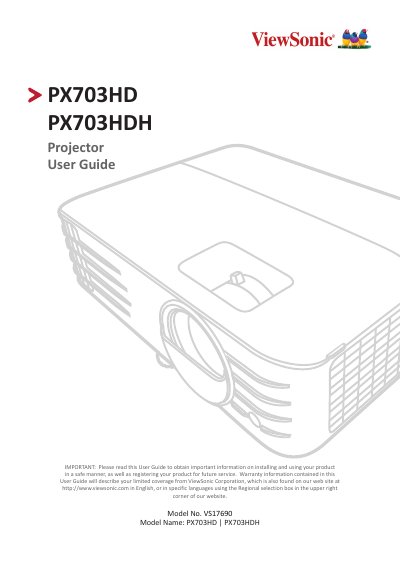
This document is the official user guide for the ViewSonic PX703HD and PX703HDH projectors. It provides comprehensive instructions for initial setup, including choosing a location, mounting the projector, and making connections to various video and audio sources. The guide details how to operate the projector using the remote control and on-screen display (OSD) menus.
| Brightness | 3,500 ANSI Lumens |
|---|---|
| Resolution | Full HD 1080p |
| Lamp Life | 20,000 hours |
| Power Consumption (Power Saving) | Less than 0.5W |
| Color Output | 1.07 billion colors |
| Voltage Range | 100 to 240 volts AC |
The projector features an amazing 20,000 hours lamp life.
Yes, but it is strongly recommended to use a proper fitting projector ceiling mount kit and ensure it is securely installed.
Yes, the projector supports 3D display.
You should allow the projector to cool for approximately 45 minutes prior to removing the lamp assembly for replacement.