
ViewSonic VSR100 Wireless Presentation Gateway User Guide

This manual introduces the usage of viewsonic vsr100 wireless presentation gateway.
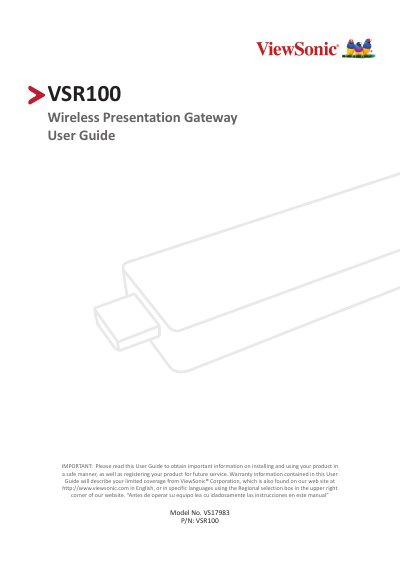

ViewSonic VSR100 Wireless Presentation Gateway User Guide - cover page
Brand
ViewSonic
Category
Other Electronics
Document type
User Manual
Language
English
Pages
33
File format
PDF
File size
1 MB
Published
16 October, 2023
Updated
16 October, 2023
MD5 checksum
5DD568E36B43B49718CC23381C73A6E0

About this manual

The ViewSonic VSR100 Wireless Presentation Gateway is an advanced device featuring a new 802.11ac 5G 2T2R Wi-Fi transceiver and GHz-level SoC with 1GB DDR3 memory. It supports native screen mirroring via Miracast and AirPlay protocols without requiring additional apps, as well as multi-screen broadcasting using the ProCast application for Windows and Mac users.

What's inside

  • Overview
  • EZCast Pro Dongle II Features
  • Native Mirror Function (Android/iOS/Windows/macOS)
  • Multi-screen Broadcasting with ProCast
  • Downloading EZCast Pro App
  • App Functions: EZNote, EZKeep, EZChannel
  • Settings and Configuration
  • Warranty Information

Specifications

Wi-Fi Standard802.11ac 5GHz
Memory1GB DDR3
Warranty Period (Labor)1 year

Frequently asked questions

Does the VSR100 require an app to mirror screens?

No, it supports native casting via Miracast and AirPlay without installing any app.

Which operating systems are supported for multi-screen broadcasting?

Multi-screen broadcasting is only compatible with Windows and Mac.

Download PDF (1 MB)

More ViewSonic Manuals


View all ViewSonic manuals →