
This file is the user manual of Trimble Field Link Tablet® Trimble Field Link for Structures Training Workbook 2014.
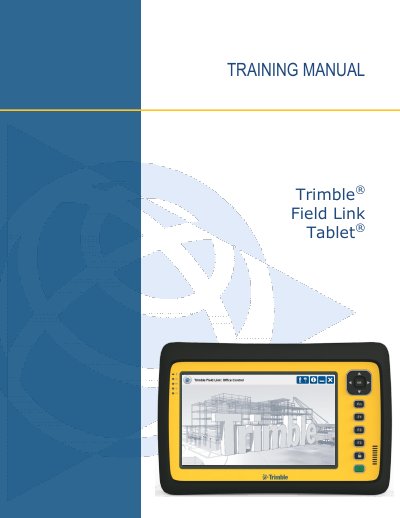
This 2014 training workbook provides step-by-step instruction for the Trimble Field Link Tablet hardware and the Trimble Field Link for Structures software. It includes objectives, review questions, and detailed procedures for each software menu.
The document covers tablet hardware overview, home screen functions, settings, job management, data creation, layout workflows, data collection, model viewing, calculation tools, and report generation. Optional modules such as Surfaces and Floor Plan are also addressed.
| Operating System | Windows 7 Professional (32-bit) |
|---|---|
| Processor | Dual Core 1.6 GHz Intel Atom N2600 |
| RAM | 4 GB |
| Storage | 128 GB Solid State Drive |
| Display | Enhanced sunlight readability, Gorilla Glass, capacitive touch screen |
| Wireless | Bluetooth, Wi-Fi Alliance certified 802.11 b/g/n |
| Connectivity | 3.5mm headphone/microphone jack, (2) USB hosts, HDMI, docking station, GPS antenna, power |
| Camera | Autofocus 5 MP camera with flash (photo & video) |
| Location | 2-4m GPS/WAAS/SBAS, accelerometer, electronic compass |
| Battery Life | 10 hours |
| Environmental Rating | IP65, Mil Std 106G |
The touch screen supports finger or stylus operation; two-finger gestures include pinch to zoom, drag to pan, and pivot to rotate; single-finger drag orbits the model; hold down selects or right-clicks.
It runs Windows 7 Professional (32-bit).
The battery lasts 10 hours.
Connect to WiFi, go to www.trimble.com/BCIM, press “Download BCIM” and follow the instructions.