
Trimble Unity RM Training Guide

This guide provides instructions on how to use Trimble Unity RM for remote monitoring.
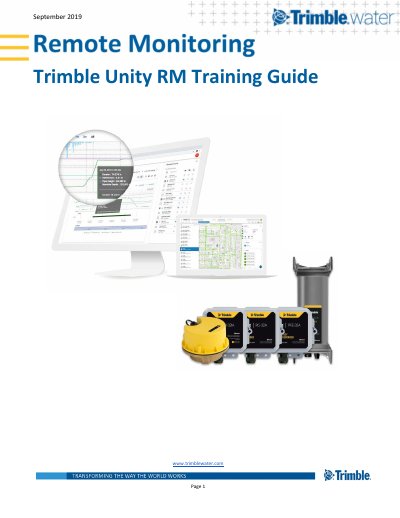

Trimble Unity RM Training Guide - cover page
Brand
Trimble
Category
Other software
Document type
User Manual
Language
English
Pages
48
File format
PDF
File size
7.6 MB
Published
16 October, 2023
Updated
16 October, 2023
MD5 checksum
6C22620AE9C2047844AE088C677C03EC

About this manual

This User Guide is intended to get users up and running with the Unity Remote Monitoring (Unity RM) app, covering both the web and mobile components. It is organized based on common key activities and tasks within the remote monitoring business process, featuring screenshot illustrations to guide the user through major functions.

What's inside

  • Introduction
  • Prerequisites
  • Login to your Unity RM instance
  • Install a RTU and create a new site
  • Work with the Remote Monitoring app user interface
  • Graph measurements
  • Work with the telemetry report
  • View and analyze pressure impulses
  • Monitor sensor call in performance and battery health
  • Manage Sites

Frequently asked questions

What is the purpose of the Trimble Unity RM Training Guide?

This guide is intended to help users get up and running with the Unity Remote Monitoring app by covering its major functions.

How can a user confirm that an RTU installation was successful without waiting for a scheduled call?

Users should physically install the RTU and use the 'tamper' button to trigger a test call to verify communication.

Where can users download the Unity mobile app to view sites in the field?

The app is available for download from the Android Play store or the Apple App Store.

Download PDF (7.6 MB)

More Trimble Manuals


View all Trimble manuals →