
This document describes how to perform a factory reset on Trimble Juno 3B and 3D handheld devices.
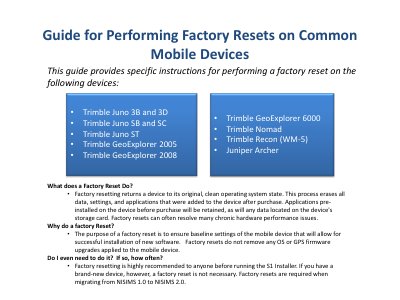
This guide provides specific instructions for performing a factory reset on a range of Trimble handheld devices, including the Juno 3B, 3D, SB, SC, ST, GeoExplorer series, Nomad, Recon, and Juniper Archer and Mesa models. A factory reset returns the device to its original, clean operating system state, erasing all user data, settings, and installed applications while retaining pre-installed applications and data on storage cards. This process can resolve chronic hardware performance issues and is recommended before running the S1 Installer or migrating from NISIMS 1.0 to NISIMS 2.0.
It returns the device to its original, clean operating system state and erases all data, settings, and applications added after purchase, but retains pre-installed applications and data on the storage card.
No, factory resets do not remove any OS or GPS firmware upgrades applied to the mobile device.
The encryption key on the handheld is deleted, making any encrypted files on the memory card permanently locked and unreadable.