
This manual introduces the use of touch screen cabinets.
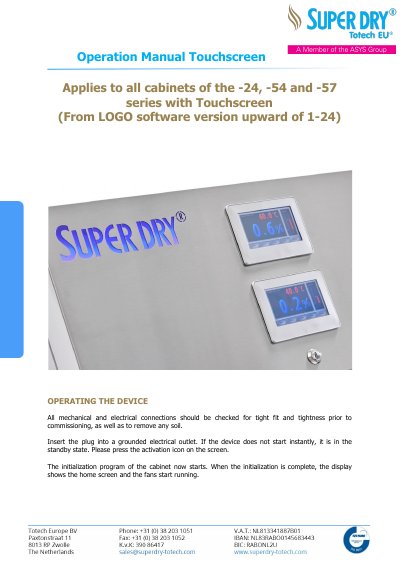
This document serves as the Operation Manual for Totech Super Dry cabinets equipped with a touchscreen interface. It applies to all cabinets of the -24, -54, and -57 series running LOGO software version 1-24 or higher. The manual guides users through operating the device, including initialization, standby activation, and navigating the home display.
| Applicable Models | -24, -54 and -57 series |
|---|---|
| Software Version Requirement | LOGO software version upward of 1-24 |
| Alarm Delay (Door) | 90 seconds |
When the display reads Regeneration in yellow, the program has started a regeneration of the desiccant material inside the drying unit.
The device can be used immediately after commissioning, but full drying capacity is achieved after 24 hours.
No, the alarm delay for the door alarm is preprogrammed to 90 seconds and cannot be changed.