
Key facts
- Manuals
- 1
- Languages
- EN
- Last added
- 2023-10-16
Featured Totech manuals
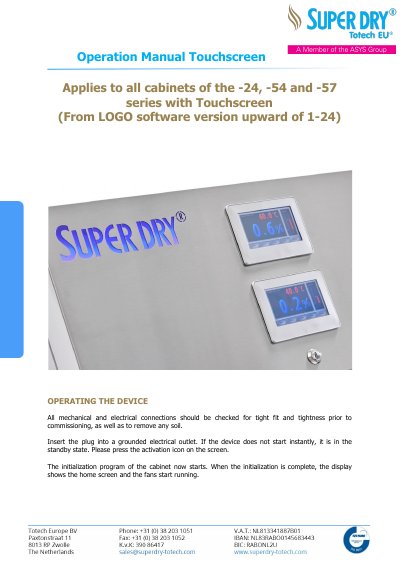
Totech Super Dry Touchscreen Operation Manual for Cabinets -24/-54/-57 Series
This document serves as the Operation Manual for Totech Super Dry cabinets equipped with a touchscreen interface. It applies to all cabinets of the -24, -54, and -57 series running LOGO software version 1-24 or higher. The manual guides users through operating the device, including initialization, standby activation, and navigating the home display.
Covers: Operating the Device · Home Display · Regeneration · Alarm Management · Timer Functions · Graph Display
Latest Totech manuals
Totech Super Dry Touchscreen Operation Manual for Cabinets -24/-54/-57 Series
User Manual 21 pages · 768 KB · ENOperation manual for Totech Super Dry cabinet touchscreens (models -24, -54, and -57) covering device operation, settings, alarms, and troubleshooting.
Which document do I need?
User Manual
Day-to-day operation, settings and troubleshooting. Start here if the product is already set up.
Questions answered in Totech manuals
What happens when the display shows Regeneration in yellow?
When the display reads Regeneration in yellow, the program has started a regeneration of the desiccant material inside the drying unit.
From: Totech Super Dry Touchscreen Operation Manual for Cabinets -24/-54/-57 Series
How long does it take to achieve full drying capacity after commissioning?
The device can be used immediately after commissioning, but full drying capacity is achieved after 24 hours.
From: Totech Super Dry Touchscreen Operation Manual for Cabinets -24/-54/-57 Series