
The CERV2 Touchscreen Interface and optional wireless touchscreen controller literally puts control of your indoor air quality into your hands, providing a gateway to the most advanced air quality management system available today.
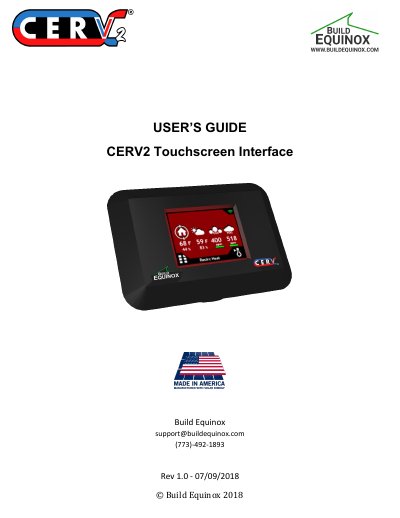
The Build Equinox CERV2 Touchscreen Interface is a control system for indoor air quality that uses complex algorithms to optimize home comfort. It features an integrated touchscreen or an optional wireless controller to allow users to view real-time conditions like temperature, humidity, CO2, and VOC levels. The device operates in various modes including Assess, Ventilation (Heat/Cool), Recirculation, and Off standby.
The recommended ventilation setpoint is between 900 and 1100 PPM.
The system ventilates if CO2 or VOC sensor readings go above the setpoint, a wireless switch is triggered, or a timed event starts.