
Key facts
- Manuals
- 1
- Languages
- EN
- Last added
- 2023-10-16
Featured Build Equinox manuals
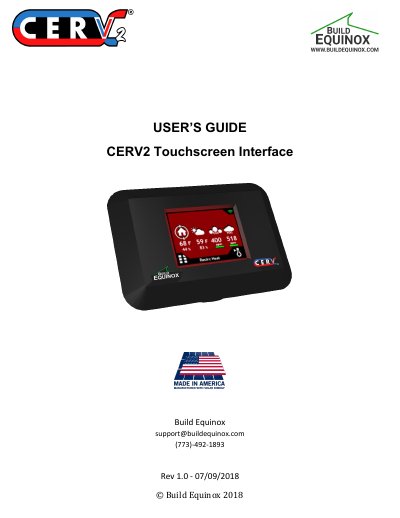
Build Equinox CERV2 Touchscreen Interface User's Guide
The Build Equinox CERV2 Touchscreen Interface is a control system for indoor air quality that uses complex algorithms to optimize home comfort. It features an integrated touchscreen or an optional wireless controller to allow users to view real-time conditions like temperature, humidity, CO2, and VOC levels. The device operates in various modes including Assess, Ventilation (Heat/Cool), Recirculation, and Off standby.
Covers: Controller Overview · Connecting The Wireless Controller · Home Screen · Heating and Cooling Setpoints · CO2/VOC and Ventilation Setpoints · Recirculation
Latest Build Equinox manuals
Build Equinox CERV2 Touchscreen Interface User's Guide
User Manual 26 pages · 4.3 MB · ENThis user guide explains how to operate the Build Equinox CERV2 Touchscreen Interface, including pairing wireless controllers and configuring heating…
Which document do I need?
User Manual
Day-to-day operation, settings and troubleshooting. Start here if the product is already set up.
Questions answered in Build Equinox manuals
What is the recommended ventilation setpoint?
The recommended ventilation setpoint is between 900 and 1100 PPM.
From: Build Equinox CERV2 Touchscreen Interface User's Guide
How does the CERV determine when to ventilate?
The system ventilates if CO2 or VOC sensor readings go above the setpoint, a wireless switch is triggered, or a timed event starts.
From: Build Equinox CERV2 Touchscreen Interface User's Guide