
This manual describes how to operate the touchscreen control panels to operate the various functions in the RV
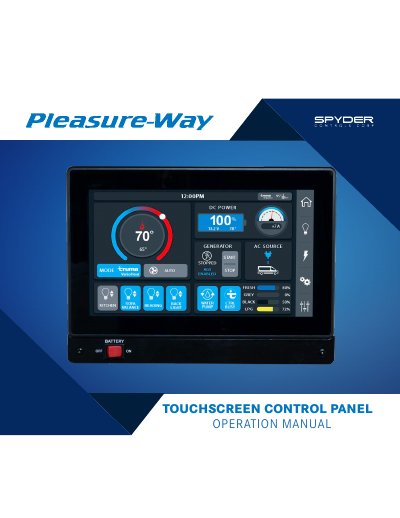
This operation manual provides instructions for using the 12-volt battery disconnect switch and navigating the touchscreen interface. The system features five main menu pages: HOME, LIGHTING, POWER MANAGEMENT, MECHANICAL, and SETTINGS, allowing users to access various vehicle functions via touch icons.
The guide details how to operate specific systems including climate control (Furnace, A/C, Vent Fan), water management (pump, tank levels), lighting customization, and power monitoring. It also covers settings for screen preferences and system diagnostics.
The 12 Volt Battery Disconnect switch must be in the ON position.
Touch and hold the GENERATOR button to start it; there will be a slight delay before the starter engages.
Yes, you can select any 3 lights for quick access via the Settings menu, though Back Light is required.