
Key facts
- Manuals
- 1
- Languages
- EN
- Last added
- 2023-10-16
Featured Pleasure-Way manuals
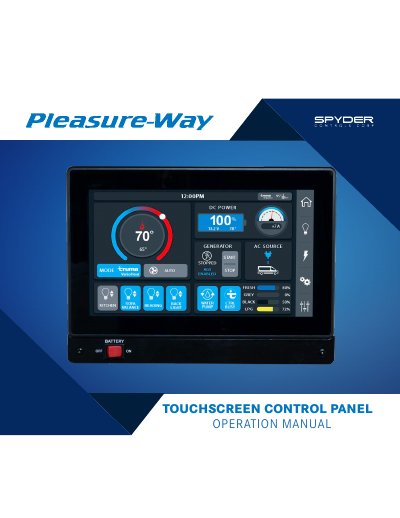
Pleasure-Way Touchscreen Control Panel Operation Manual
This operation manual provides instructions for using the 12-volt battery disconnect switch and navigating the touchscreen interface. The system features five main menu pages: HOME, LIGHTING, POWER MANAGEMENT, MECHANICAL, and SETTINGS, allowing users to access various vehicle functions via touch icons.
The guide details how to operate specific systems including climate control (Furnace, A/C, Vent Fan), water management (pump, tank levels), lighting customization, and power monitoring. It also covers settings for screen preferences and system diagnostics.
Covers: Getting Started · Home Page · Lighting Quick Access · Climate Control Center · Power Management · Mechanical Controls
Latest Pleasure-Way manuals
Pleasure-Way Touchscreen Control Panel Operation Manual
User Manual 28 pages · 5.4 MB · ENOperation manual for Pleasure-Way touchscreen control panels covering lighting, climate control, power management, and mechanical systems.
Which document do I need?
User Manual
Day-to-day operation, settings and troubleshooting. Start here if the product is already set up.
Questions answered in Pleasure-Way manuals
What must be done before operating the touchscreen control panel?
The 12 Volt Battery Disconnect switch must be in the ON position.
From: Pleasure-Way Touchscreen Control Panel Operation Manual
How do you turn on the generator?
Touch and hold the GENERATOR button to start it; there will be a slight delay before the starter engages.
From: Pleasure-Way Touchscreen Control Panel Operation Manual