
The TotalExam HD User Manual introduces the features and usage of the TotalExam HD. The TotalExam HD is a high-definition video capture device that is small, lightweight, and easy to use. TotalExam HD can capture high-definition video in either 1080p or 720p resolution at either 30 or 60 FPS.
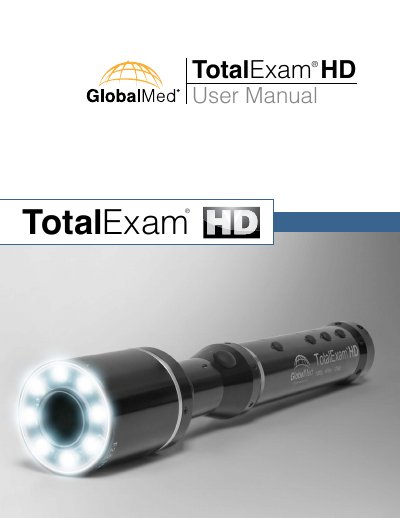
The GlobalMed TotalExam HD is a lightweight, durable telemedicine camera designed to acquire clear high-definition video. It features auto focus, auto white balance, and auto color balance, allowing users to view HD video at 1080p or 720p at 80 or 60 FPS. The device includes advanced technology for high-quality freeze frame images and selective exposure control.
| Dimensions | WxDxH = 1" x 8" x 1" |
|---|---|
| Weight | 0.25 lbs |
| Focus | Auto 35mm - 60mm |
| Pixels | 10.1 Mega Pixel |
| Horizontal Resolution | 1080 Progressive Scan |
| Signal to Noise Ratio | Greater than 72dB |
| Captured Resolution | 1920 x 1080 |
| Frames per Second | 60 Progressive |
| Output Signal | HDMI and DVI |
| Power Consumption | Less than 90% |
The device offers the option to view HD video in both 1080p or 720p.
The camera supports 80 or 60 FPS (frames per second).
No, there are no software or operating system requirements when using it as a stand-alone product.
The kit includes the camera, HDMI cable, TE HD POD, Derm Hood, Tongue Depressor Adaptor, Power Supply, DVI-D cable, and USB cable.