
This document introduces how to install the HDP6600 lamination module
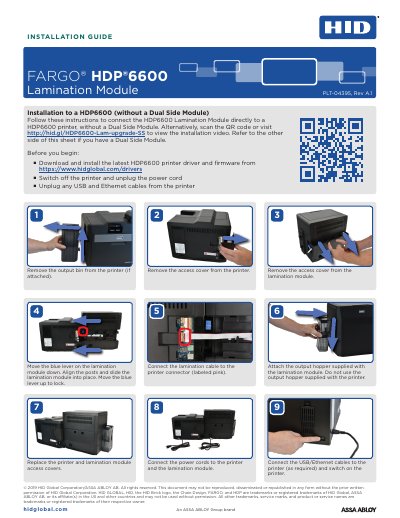
This document provides installation instructions for the HID Global HDP6600 Lamination Module. It details the steps to connect the module to a printer, including removing access covers, connecting cables, and attaching the output hopper. The guide specifically addresses two scenarios: installation on a standard HDP6600 printer and installation on a printer equipped with a Dual Side Module.
You must download and install the latest HDP6600 printer driver and firmware, then switch off the printer and unplug the power cord.
You must attach the output hopper supplied with the lamination module and not use the one from the printer.